Natural-language agent
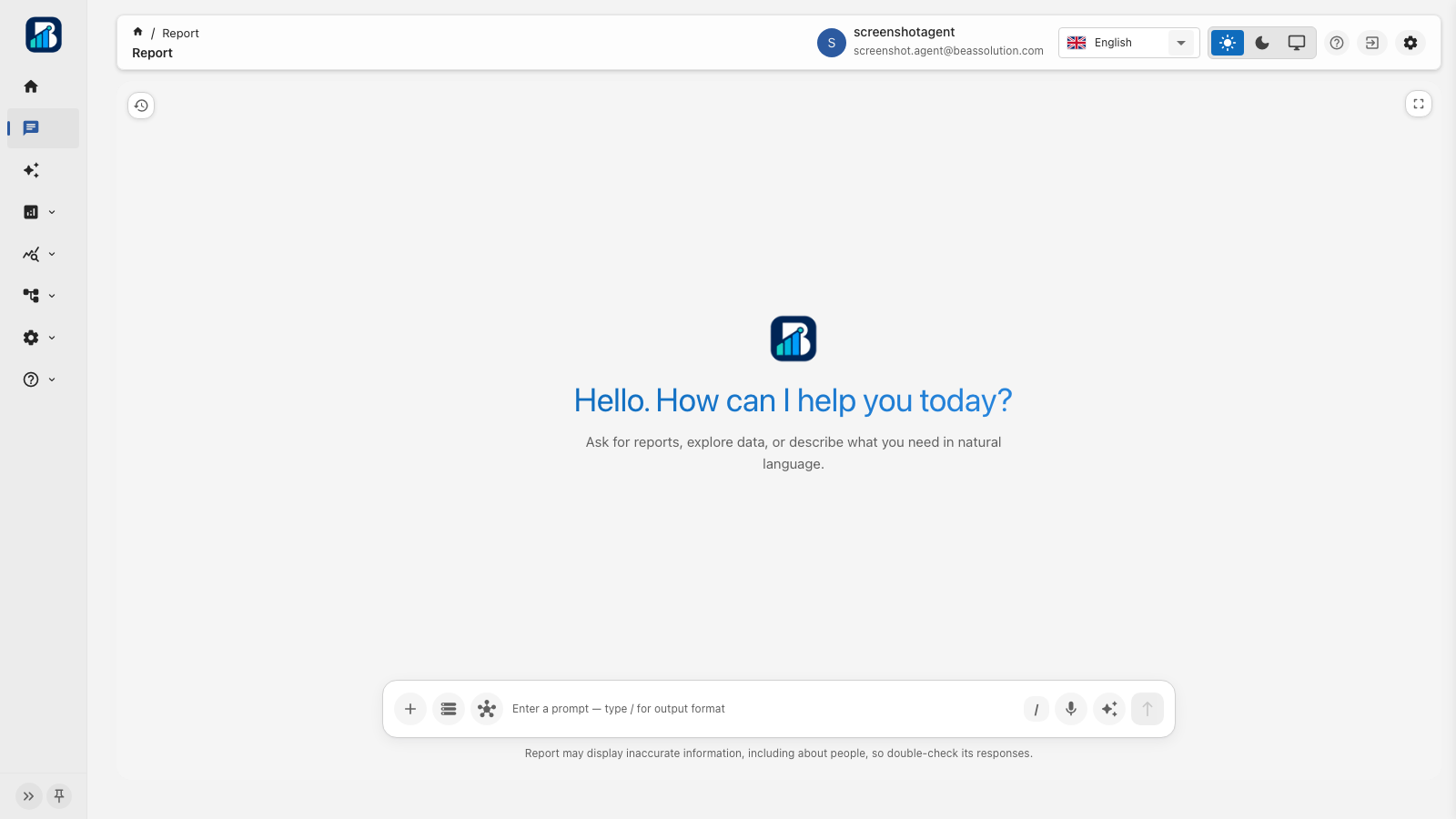
Ask in plain language across connected systems. Get text, HTML, tables, charts, or KPIs, then save strong answers as widget drafts, mail drafts, or RAG examples.
Agents on the systems you already run.
Connect databases, APIs, and apps, including legacy screens via a simple chatbot script, into one agent platform. Fast integration. Immediate transformation. Keep your stack.
Start transformation without waiting on a rebuild. Connect first, transform now. Free plan; bring your own LLM token.
Fast integration to the sources you already trust. Fast transformation with one agent across systems. Immediate AI on legacy: drop-in chatbot script on existing pages.
Connectors
Live data adaptors, VPN tunnels for private networks, charts for operating boards, plus an embed path so existing and legacy apps join the same agent without a rewrite.
 OpenSearch
 PostgreSQL
 MySQL
MySQL MongoDB
 Trino
Trino ClickHouse
 Apache Hive
 Spark SQL
 Databricks
 Snowflake
 BigQuery
 Redshift
 Cisco AnyConnect
 Fortinet SSL VPN
 GlobalProtect
 Pulse / Ivanti
 Juniper NC
 Array Networks
 F5 BIG-IP
 Bar
Bar Line
Line Area
Area Stacked bar
 Stacked line
 Stacked area
 Mixed line-bar
 Waterfall
 Pictorial bar
 Scatter
 Effect scatter
 Pie
Pie Doughnut
 Rose (Nightingale)
 Funnel
 Radar
Radar Gauge
Gauge Parallel
 Sunburst
 Treemap
 Tree
Tree Heatmap
 Calendar heatmap
 Theme river
 Sankey
 Boxplot
 Candlestick
Capabilities
Connect databases, services, and apps into a governed AI agent platform for answers, forecasts, boards, live APIs, and data prep, without moving your data out of your control. Fast integration. Immediate AI transformation.
Ask in plain language across connected systems. Get text, HTML, tables, charts, or KPIs, then save strong answers as widget drafts, mail drafts, or RAG examples.
Bring legacy systems into AI with a simple page script: chatbot in, rebuild out. Users stay in the apps they already open every day.
Register OpenAPI catalogs. The agent talks to your services through OpenAPI MCP (list, get, summarize); writes wait for Approve / Reject.
Connect OpenSearch, Postgres, MySQL, MongoDB, Trino, ClickHouse, Hive, Spark, Databricks, Snowflake, BigQuery, and Redshift: live queries plus prep pipelines with approval gates.
Build a library of ECharts, tables, and HTML widgets. Share dashboard queries so one metric definition drives many boards.
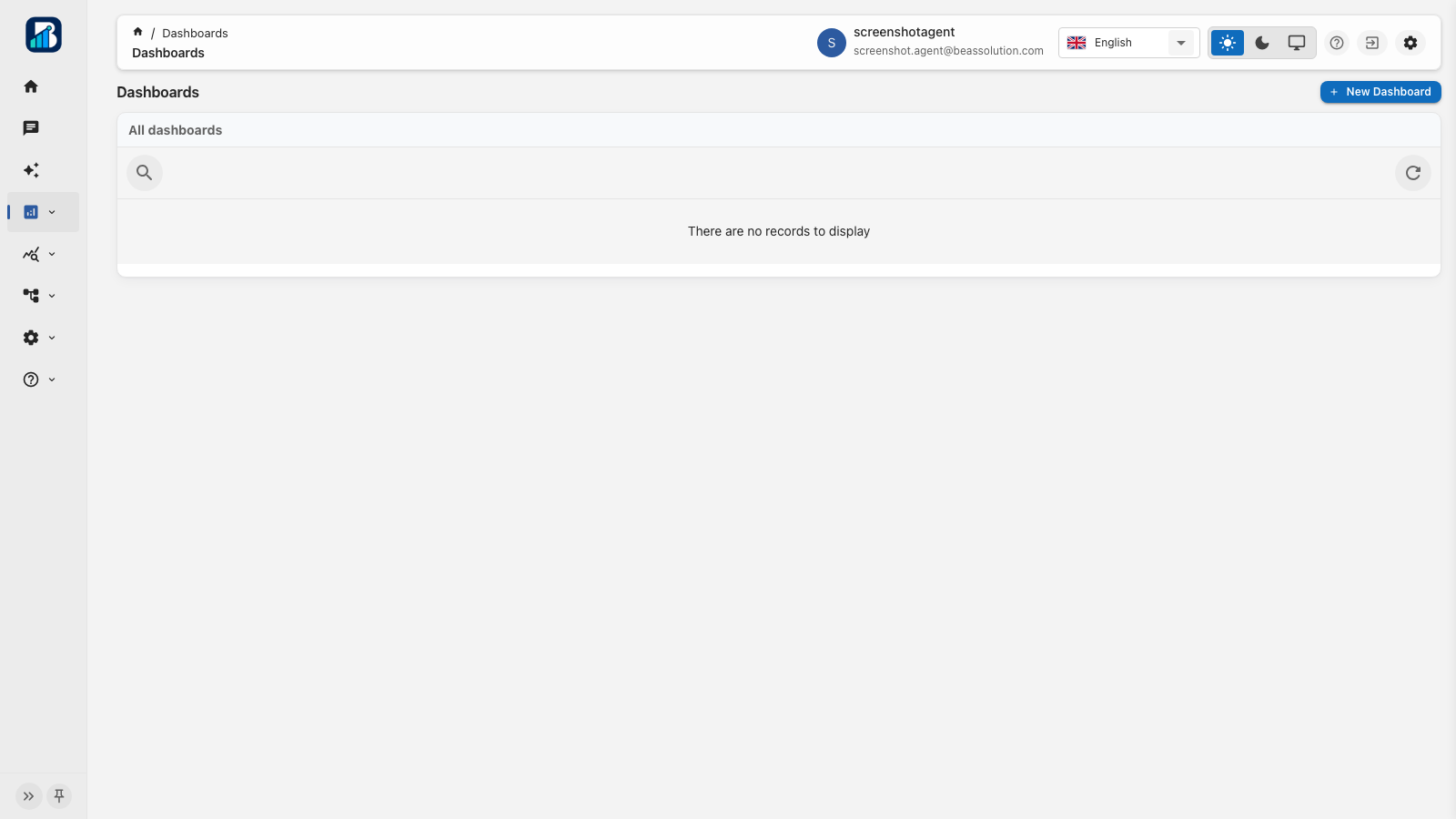
Drag-and-drop layouts with a common date range, cross-filters, drill-down, live or frozen share links, and export to PDF or Excel.
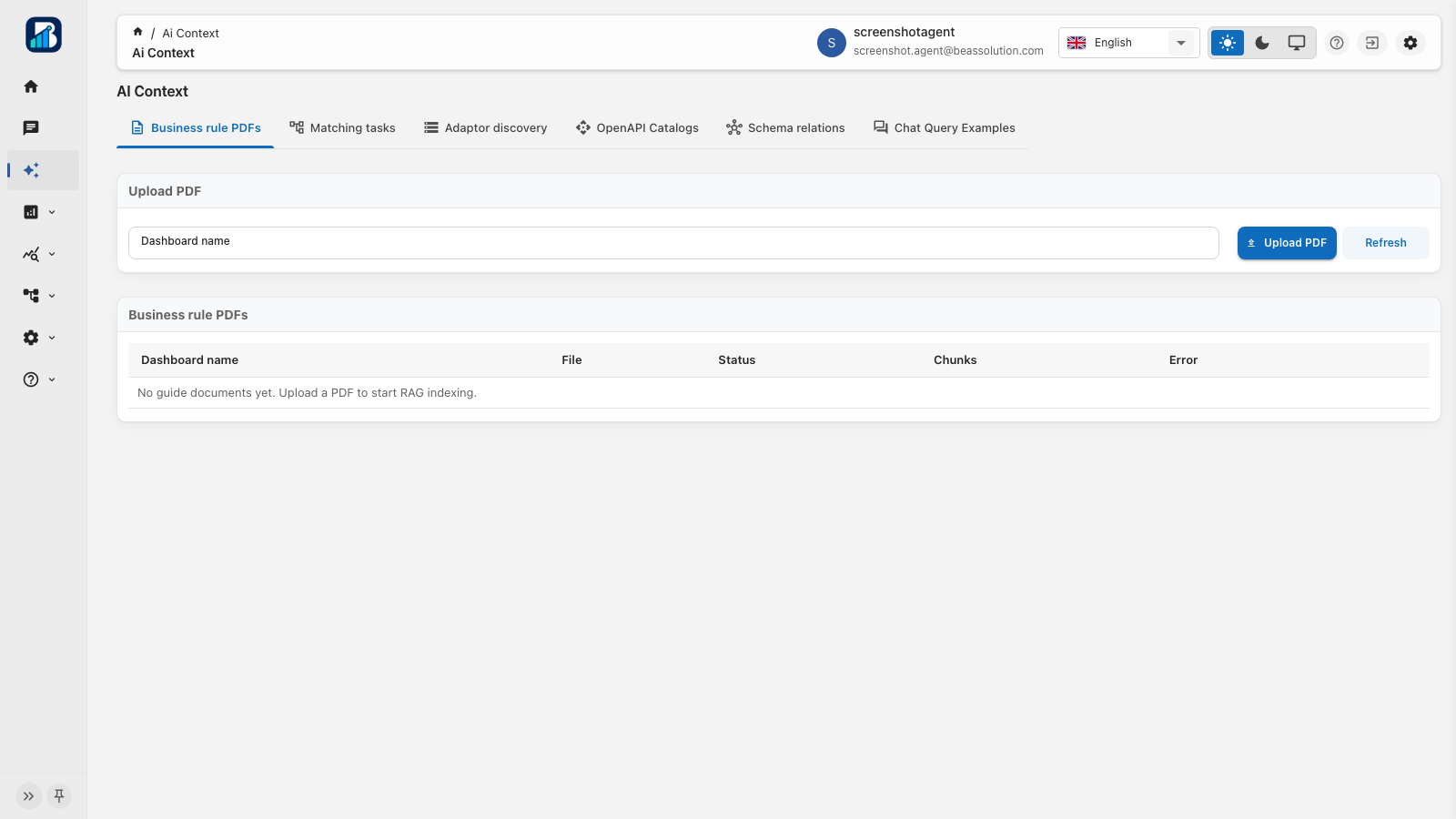
Upload approved policy PDFs and index dictionaries so answers stay aligned with how your business actually works.
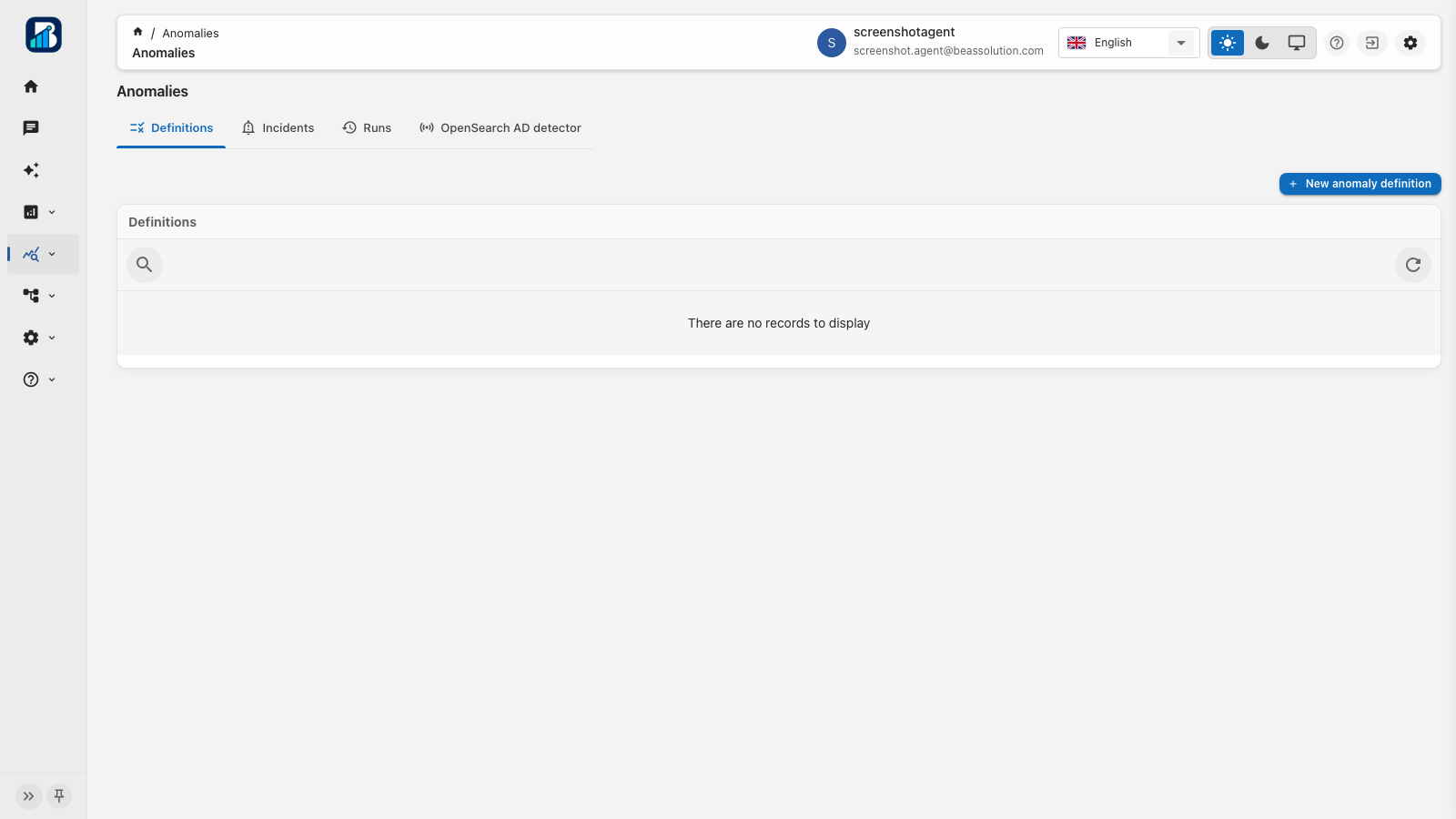
Schedule detectors, triage incidents, and keep human approval before any operational write from chat-driven drafts.
Ask for an outlook in chat. Review the plan, approve sample-document consent, then see history versus predicted values in the same thread.
Publish index relationships and successful chat examples so the assistant plans multi-index answers from your approved graph, not guesses.
How it works
Create a workspace on the Free plan, bring your own LLM and indexed store, then invite the team. Immediate AI transformation: connect first, modernize on your timeline. Identity stays with you: roles, invites, package limits, and audit trails.
Create a workspace, verify email, and sign in. The owner becomes Tenant admin. Join later through an invitation.
Add your LLM provider and token. Attach databases, APIs, and apps. Choose BEAS Resource or your own cluster, plus an optional page script so legacy UIs join through chatbot. Test connections, then unlock the agent.
Ask across systems, save widgets, forecast with consent, publish schema RAG, assemble dashboards, and keep every view and export in the audit log. Fast transformation without replacing your stack.
Product
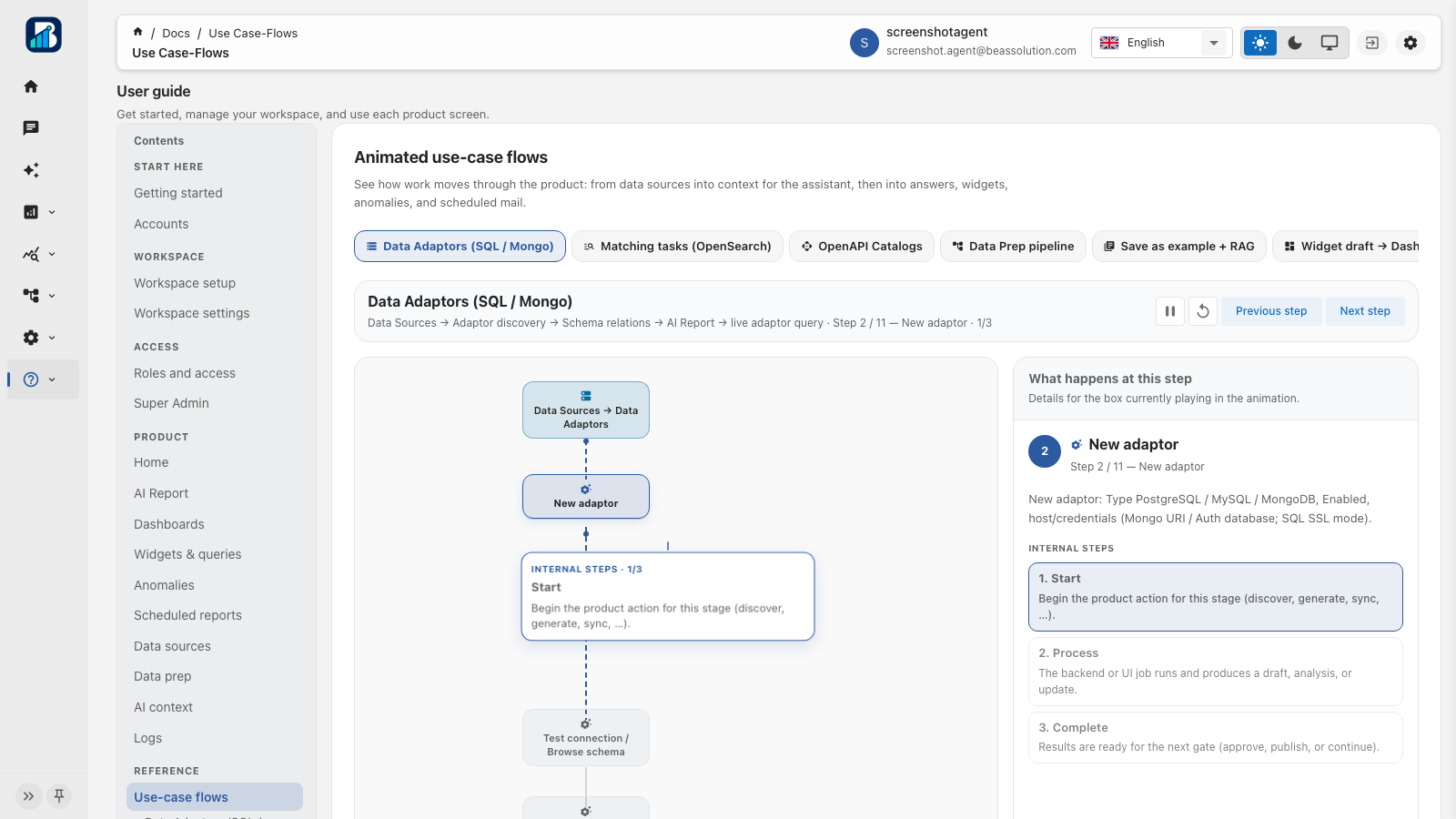
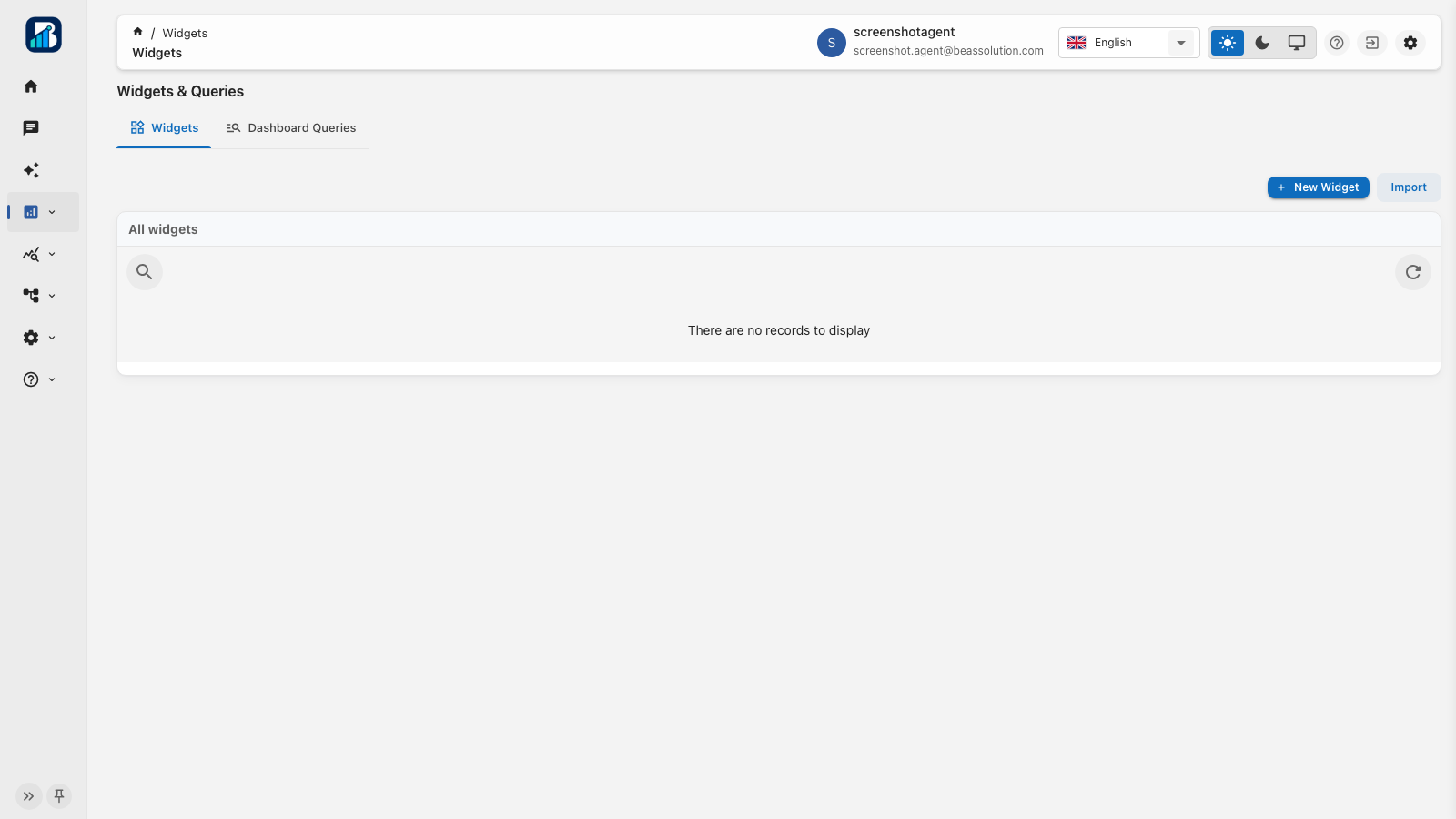
Current product UI: Home, agent chat, dashboards, anomalies, insight jobs, data sources, AI context, and animated use-case flows.
Home
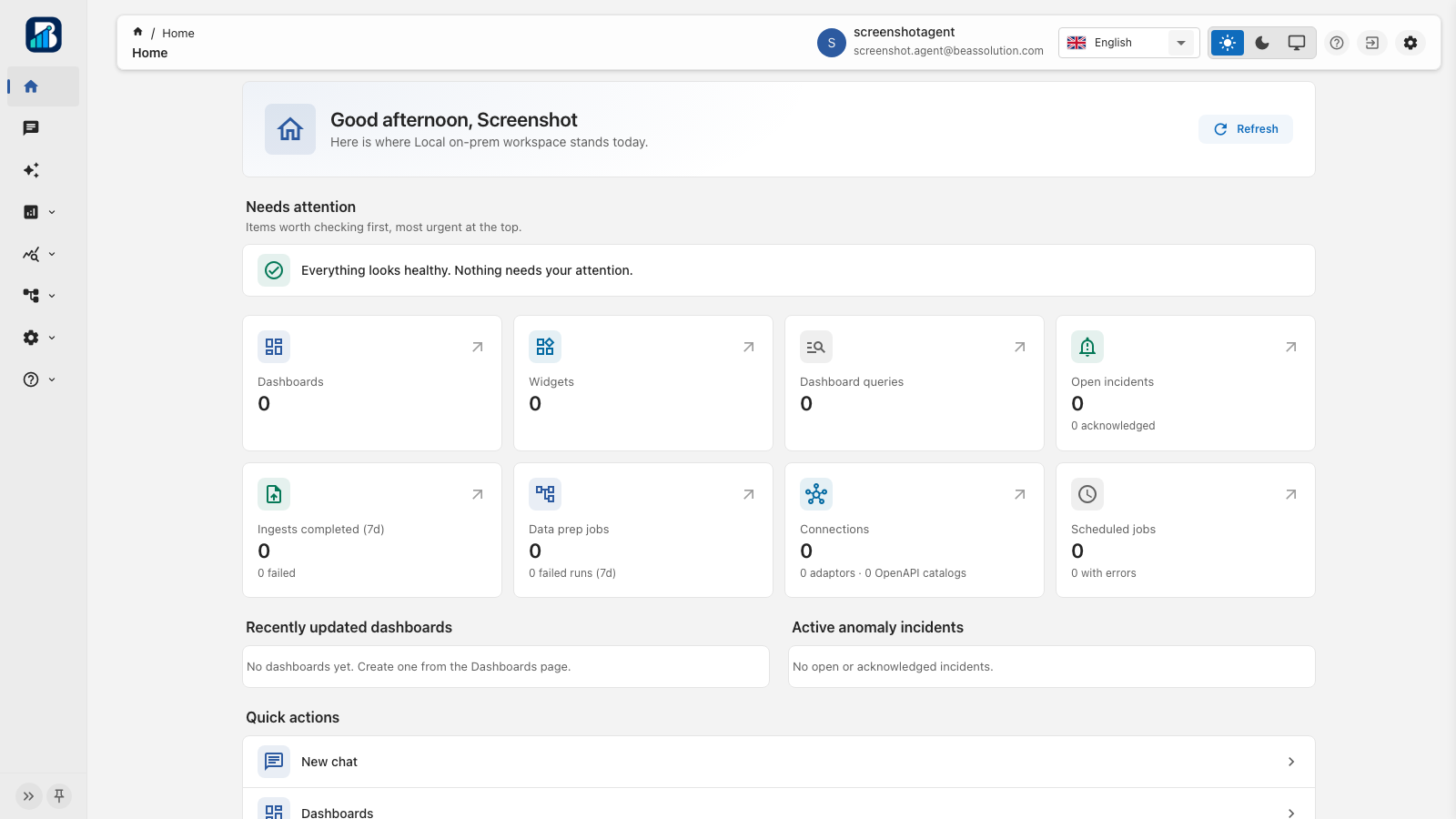
Needs-attention, counts for dashboards, incidents, ingest, data prep, connections, and scheduled jobs, plus quick actions.
Agent chat
Ask across connected systems and the indexed store with optional scope and output preference. Get text, HTML, tables, charts, or KPIs; save widget drafts; promote query examples to RAG; use history, voice input, and print.
Forecast
Ask for a prediction. Review method, index, and time field; approve sample-document consent; then inspect history versus forecast bars without leaving the chat.
OpenAPI catalogs
Admin registers an OpenAPI document and API base URL. Chat selects catalog and tag, then openapi-mcp executes the operation with your login JWT. List/get/summarize return in-thread; patches wait on Approve / Reject.
Dashboards
Combine widgets and decorations with layout presets, a shared date range, cross-filters, drill-down, live or frozen share links, and PDF / Excel / email export.
Widgets
Library of ECharts, tables, text, and HTML widgets with studio, versions, import/export, mapping hints, and admin index approval for pending definitions.
Dashboard queries
One validated query definition referenced by many widgets. Keep executive metrics consistent across boards.
Anomalies
Define monitors, run now or on schedule, triage open incidents, and keep human approval before chat-driven operational writes.
Data prep
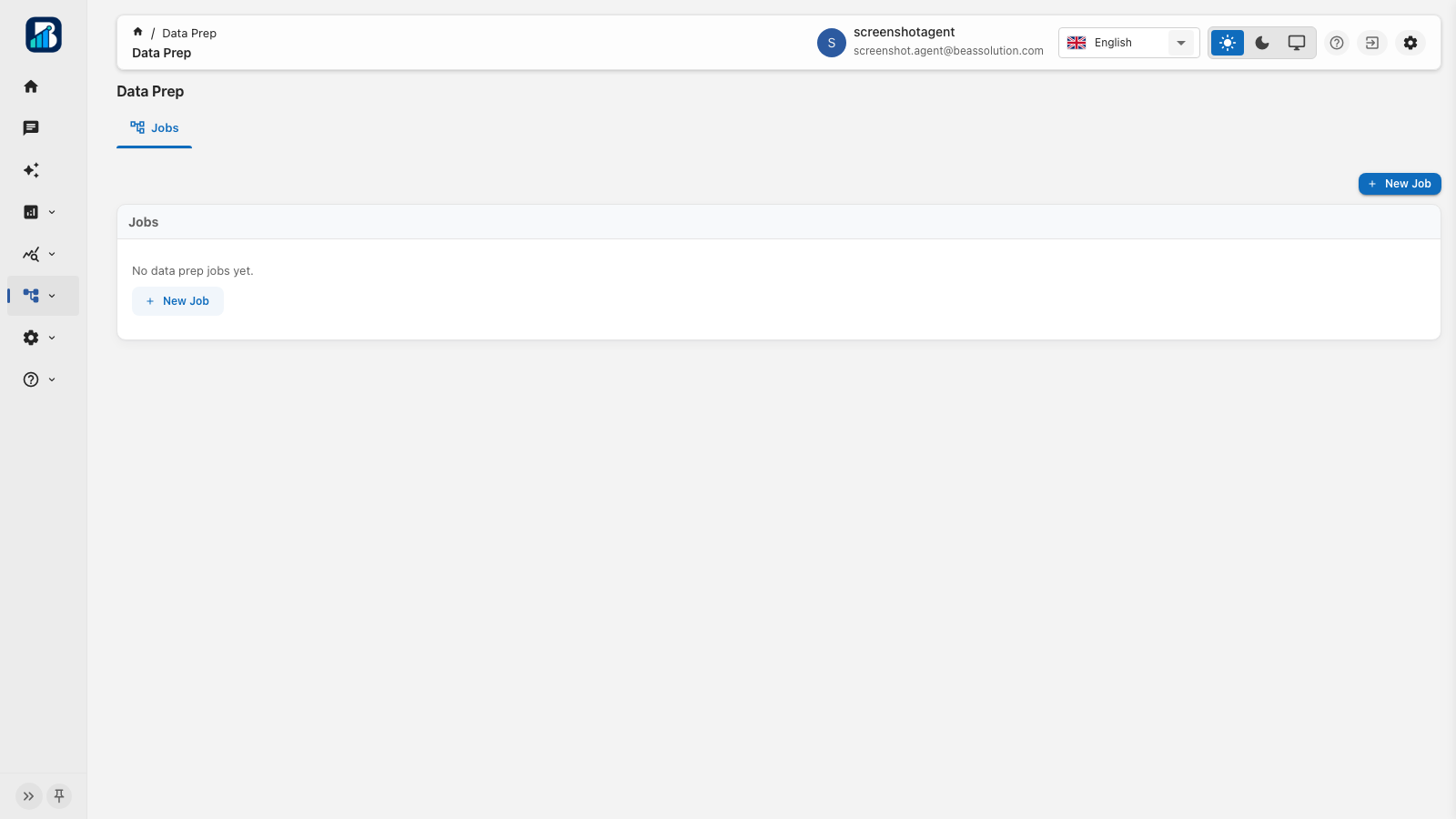
Read from MySQL, PostgreSQL, or MongoDB adaptors (or from AI Report DB), map fields across a graph, and write staging or production reporting indices that chat and widgets query.
Ingest
Load files into granted indices with staging or production environments, bulk size control, PII rules, schemas, and job-level failure detail.
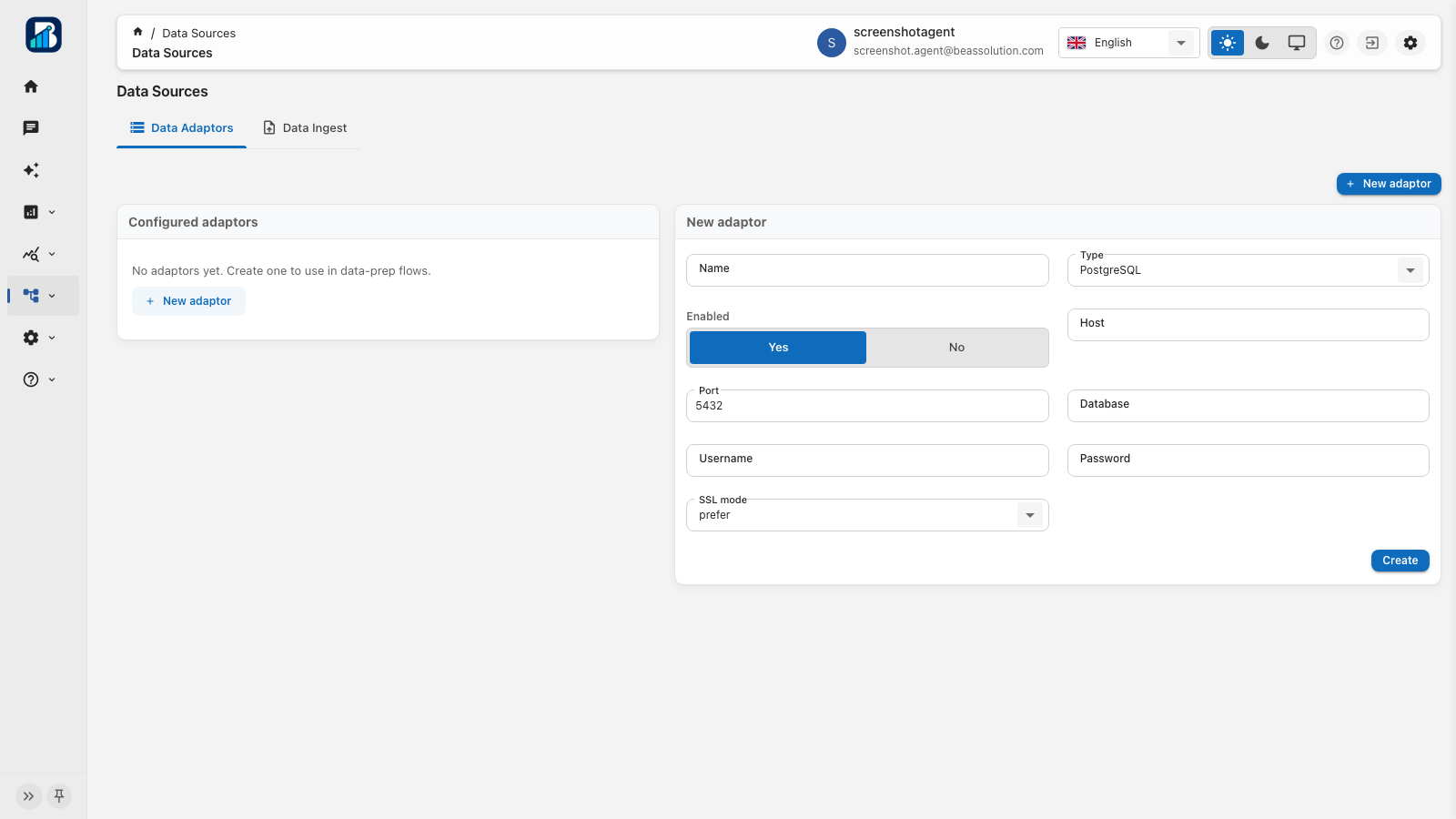
Data adaptors
Store encrypted connection settings once; Data Prep adaptor nodes reference the id. Passwords never land in published graph JSON.
AI Guide
Upload business-rule PDFs and approve index-mapping analyses so the agent cites approved RAG chunks instead of guessing field meanings.
Data structure analytics
Analyze approved Guide mappings into a graph of purposes and joins. Enrich with consented samples, then publish to RAG so chat can plan multi-index questions.
Chat query examples
Promote a strong chat result into a reusable example (question, indices, and DSL) so later turns follow proven patterns instead of starting from scratch.
Logs
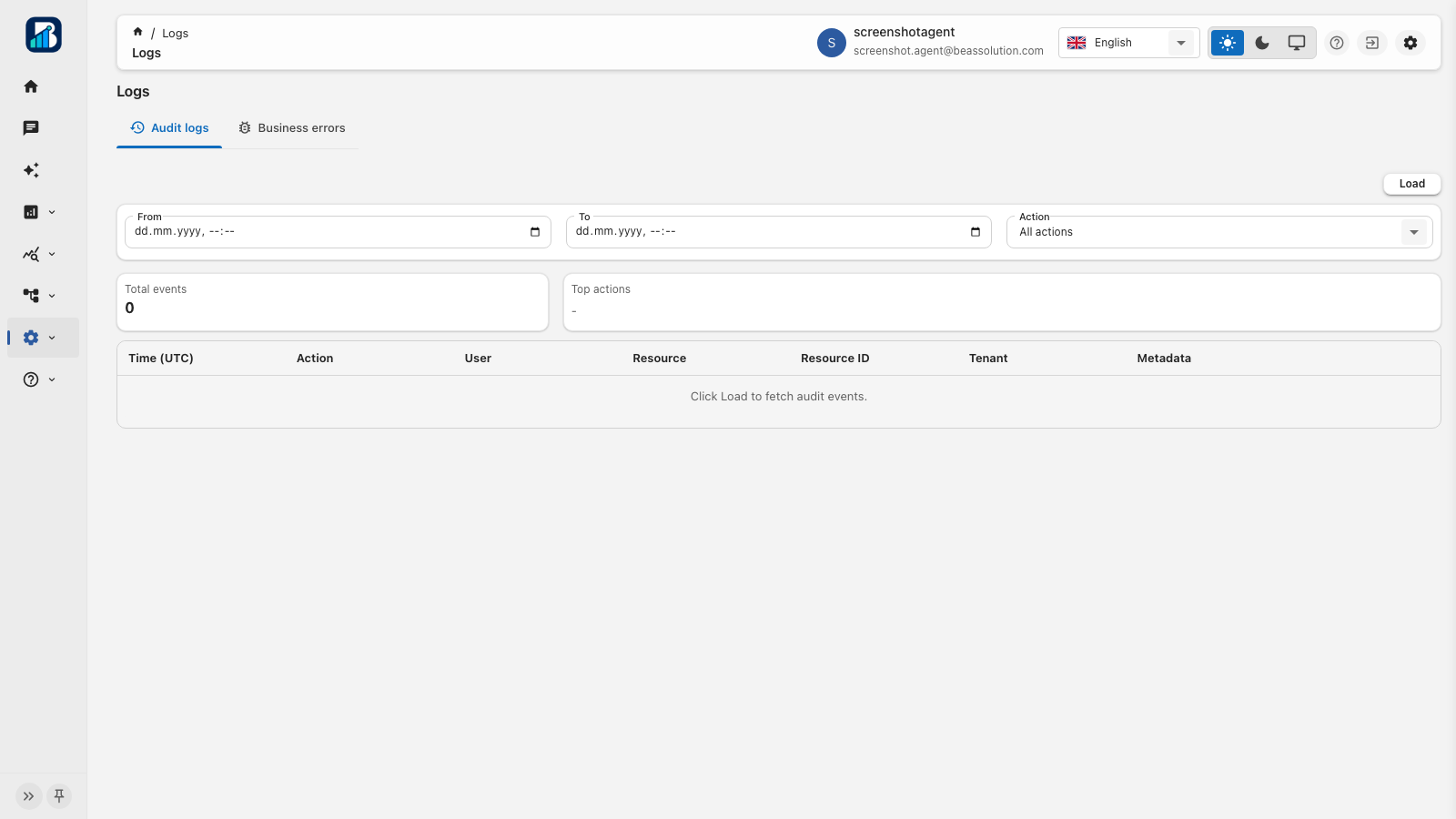
Trace who viewed, exported, or changed configuration. Investigate business exceptions with filterable admin tables.
Plans
Limits follow the workspace owner’s plan. Chat quota is the AI analysis length. Start free, or contact us for Enterprise capacity and terms.
Free
€0
Includes the limited BEAS Resource AI Report DB tenant and shared BEAS Resource LLM models. You may also attach your own LLM access token. No technical support; tickets ship with the next release.
Full capacity
Enterprise
Custom
Everything unlimited. Contact us for monthly billing and enterprise terms.
Start here
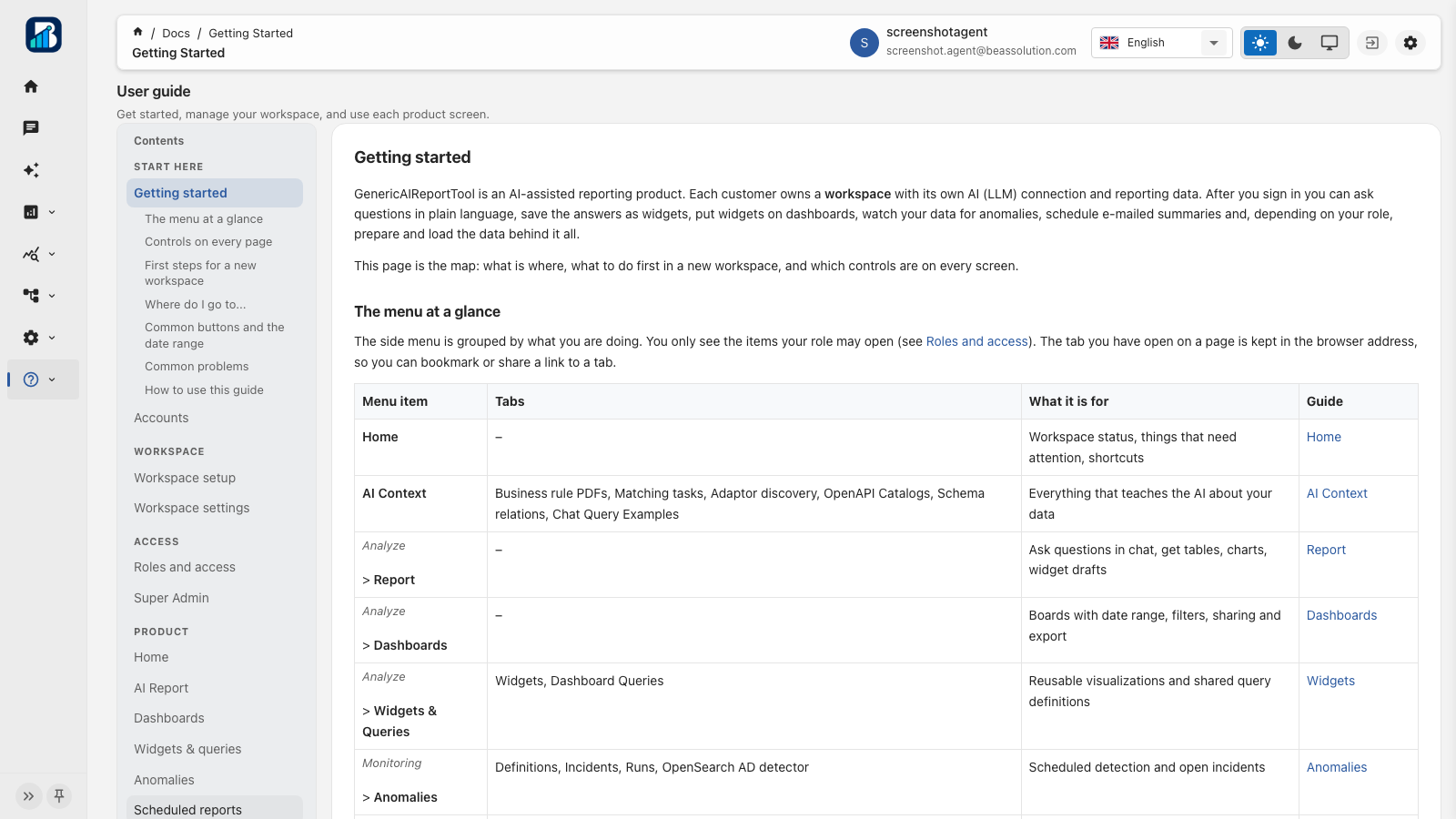
Each customer owns a workspace. Create an account on the Free plan, verify email, add your LLM token, connect systems (or drop a chatbot script on a legacy page), then ask in natural language. No rebuild required.
Getting started
Agent chat across systems, legacy embed script, consented forecasts, reusable widgets, executive dashboards, shared metric DSL, OpenAPI catalogs, schema analytics, query examples, anomaly monitors, data prep, file ingest, AI Guide grounding, and full audit trails.
Accounts
Create a workspace on register, or join through an invitation. Email verification is required before the first sign-in. The registration owner becomes Tenant admin on the Free plan.
Access
The sidenav hides what you cannot use; the API still enforces access on every request.
Roles and access
Super Admin
Platform admin users land on the Super Admin portal, not the tenant agent workspace. They manage packages, mail, every workspace’s BYO settings, users, invitations, and operational logs.
Security & governance
Credentials are encrypted at rest. Secrets never reappear in the UI. Access follows roles. Forecast samples, schema enrich, anomaly writes, and OpenAPI mutations wait for human approval.
Create a workspace on Connect AI. Connect first, transform now, including legacy apps with a simple chatbot script.
Create a workspaceBEAS Solution
Enterprise software for intelligent automation, document operations, and AI agents on the systems you already run. Headquartered in Podgorica, Montenegro.
Address
Business Tower Montenegro
Bulevar knjaza Danila Petrovica 13/32
81101 Podgorica, Montenegro
Email contact@beassolution.com
Web beassolution.com
Product Create a workspace Sign in